Requests, approvals, and availability
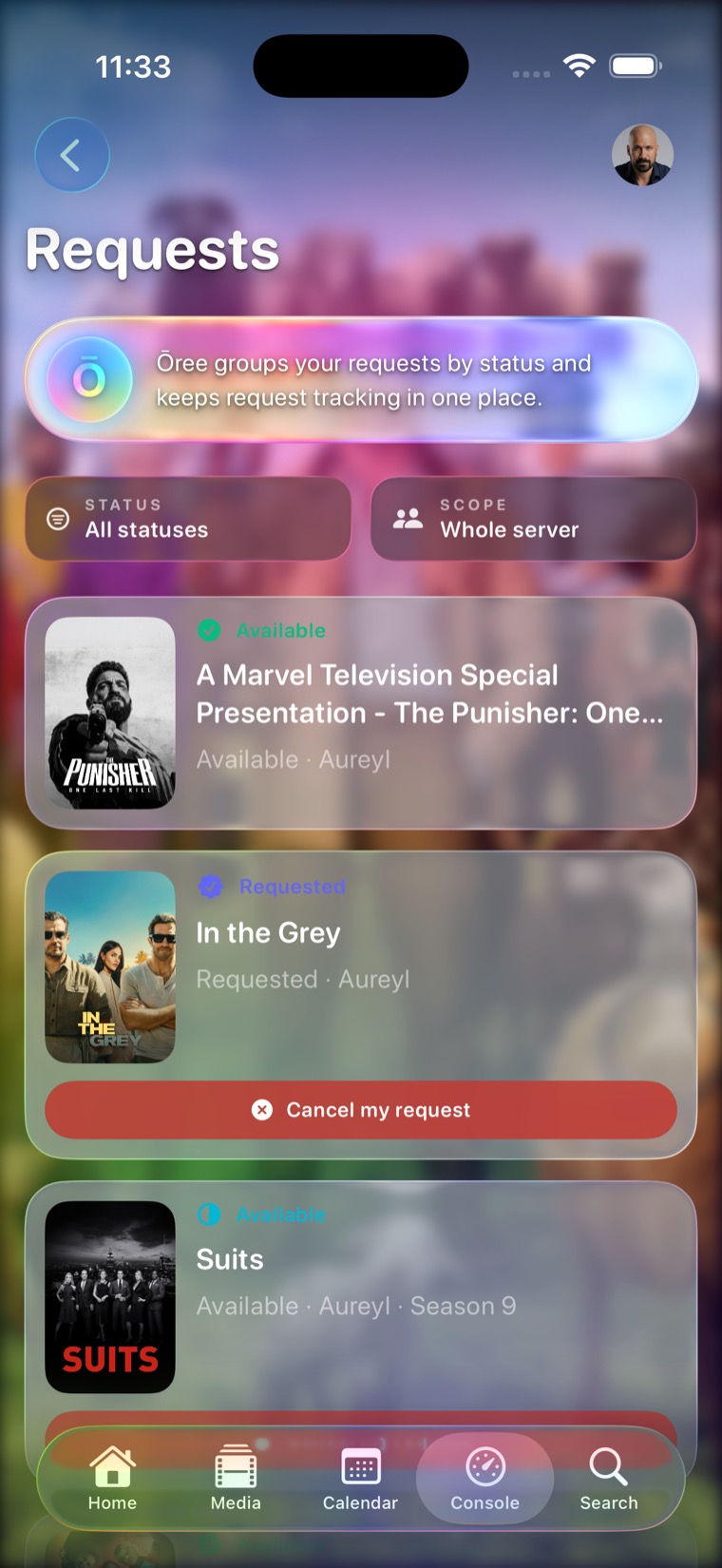
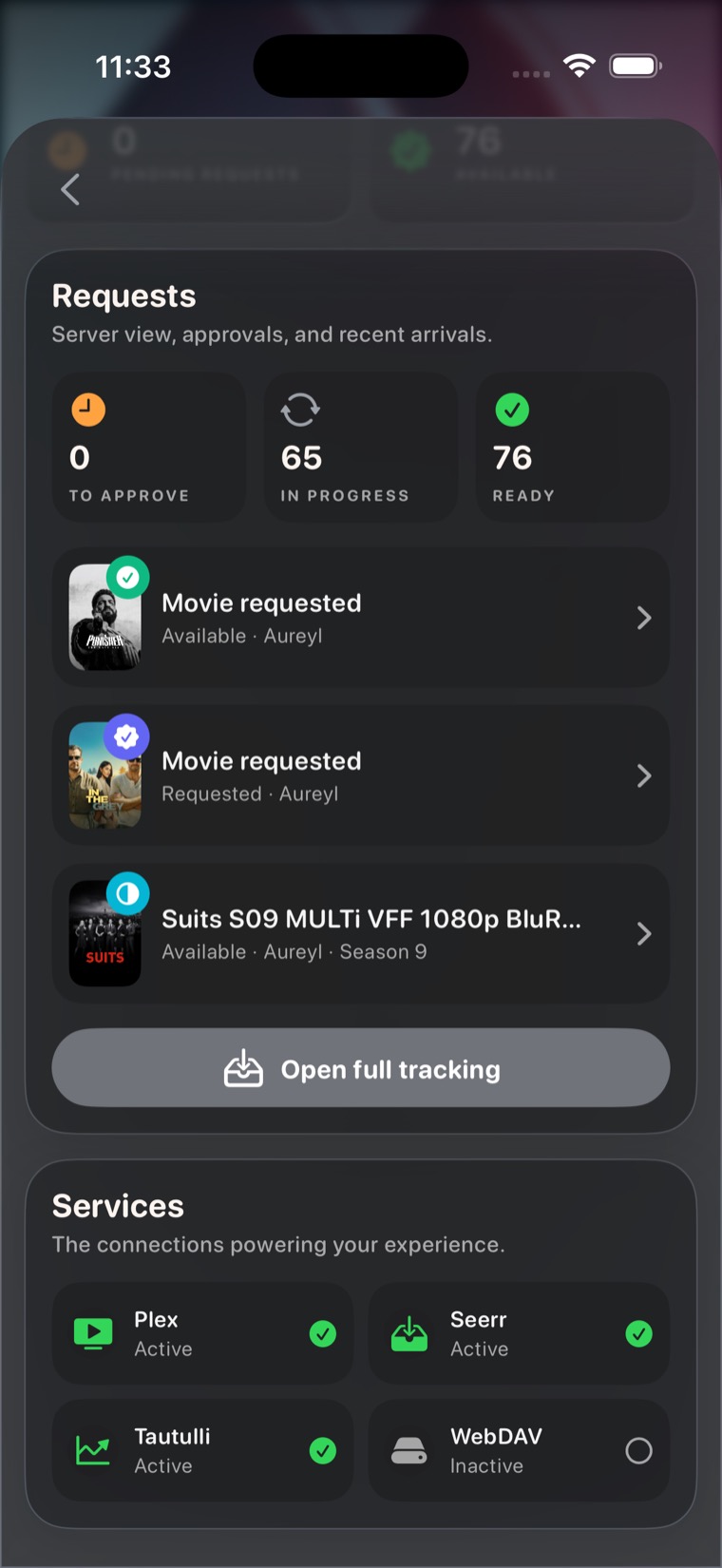
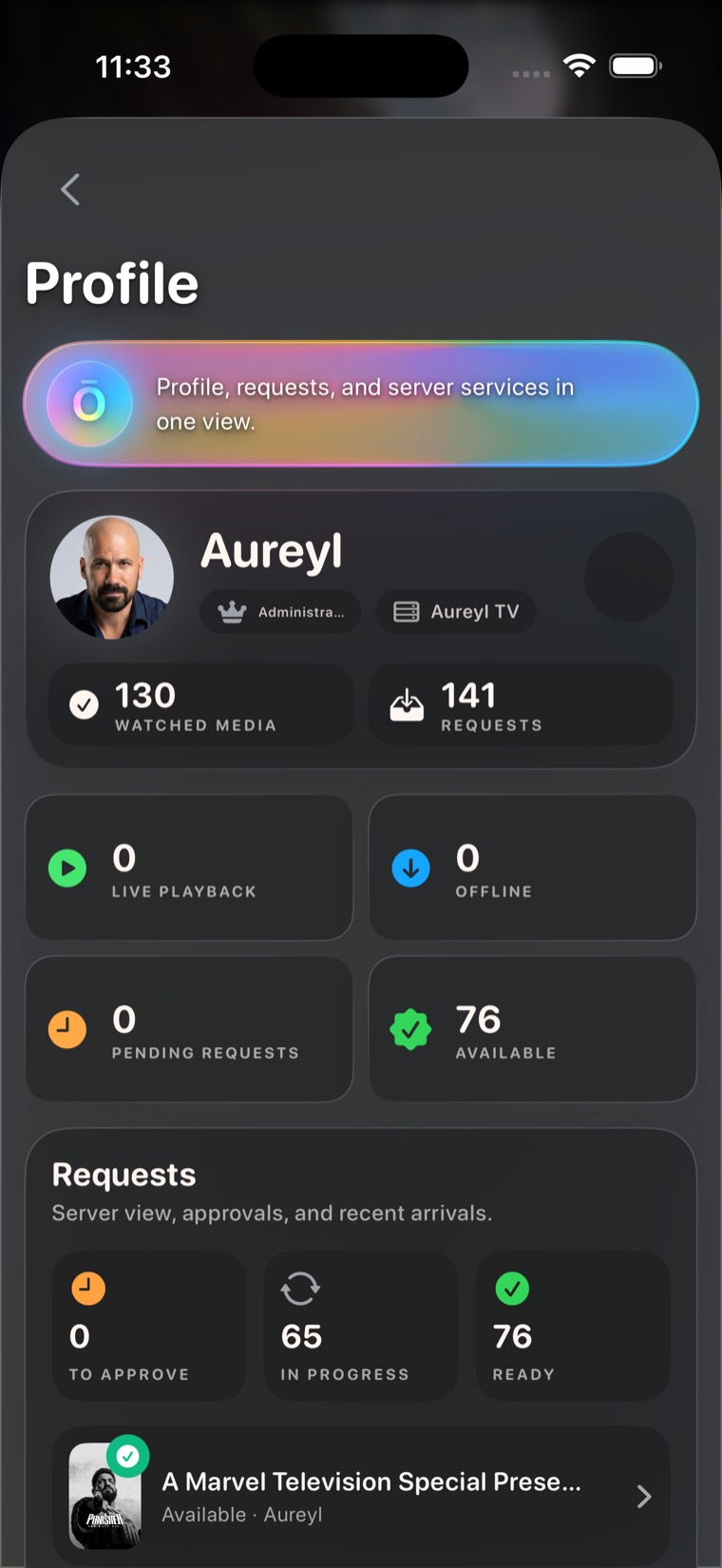
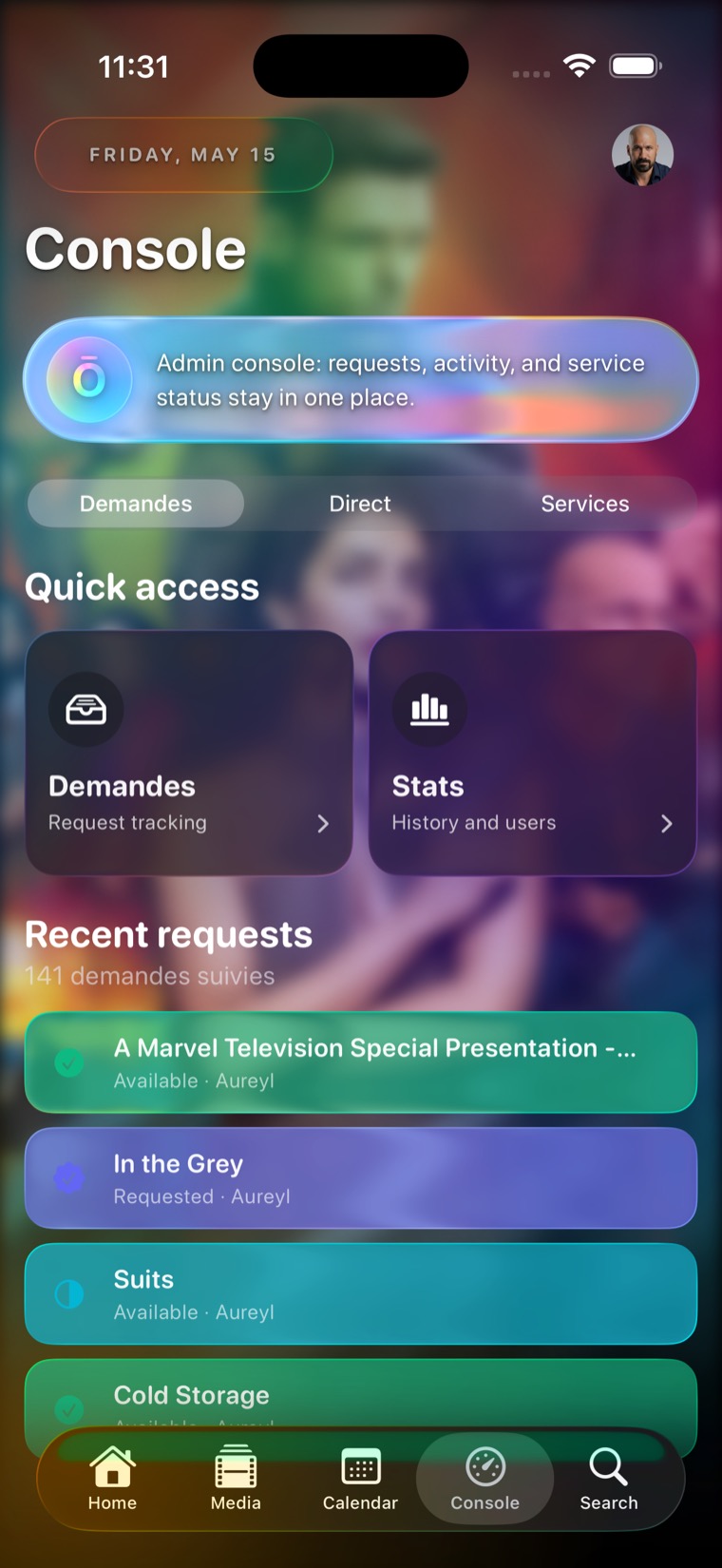
Follow request status, see who asked, cancel your own pending request, surface newly available items, and keep admin approvals close to the media page.
 Ōree
Ōree
AI-powered personal cinema
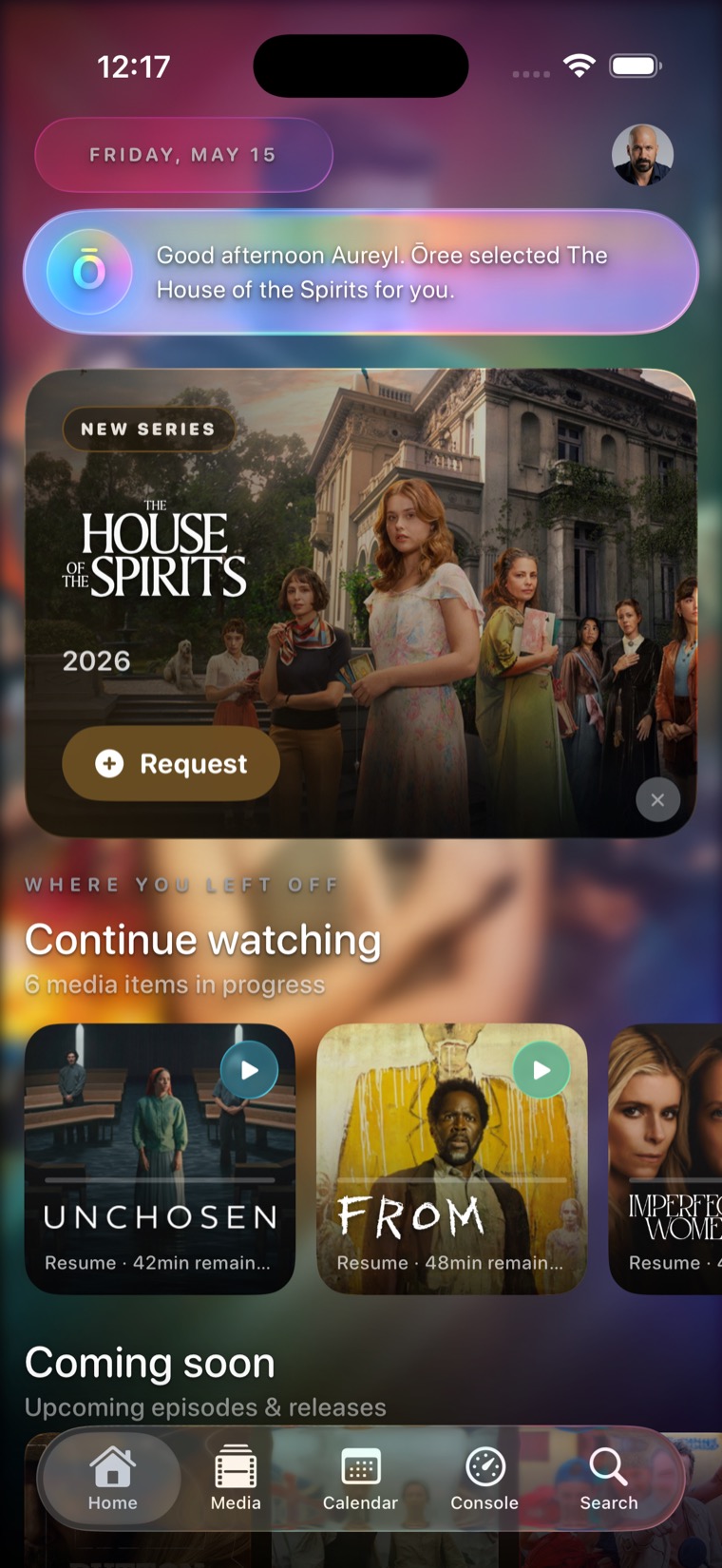
A native iPhone companion that turns your own media sources into a living home, with discovery, requests, release tracking, and playback context in one place.
Ōree selects the right next watch and keeps your library, calendar, and requests in sync.
Coming soon to the App Store.
The app idea
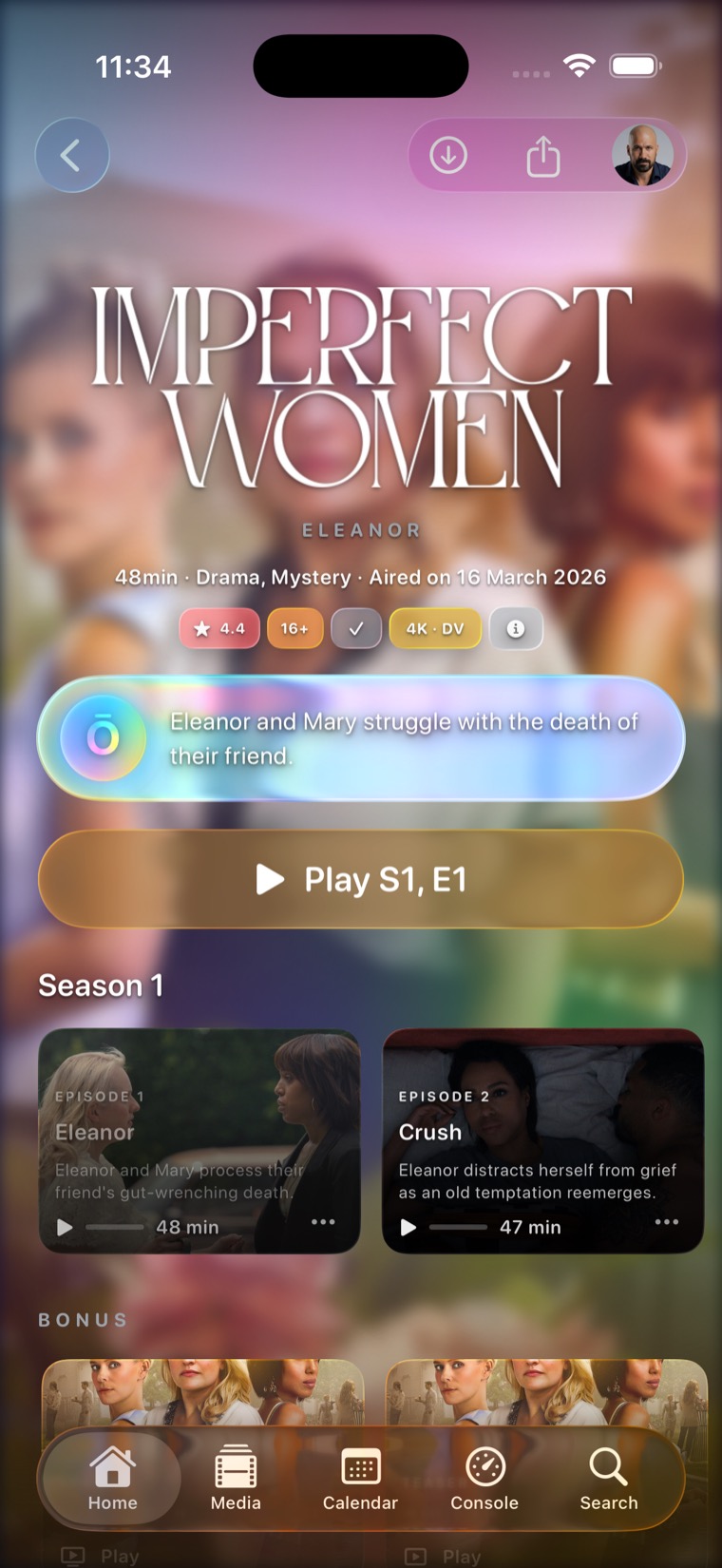
Ōree keeps public discovery useful before any private source is connected, then adds personal playback, progress, requests, and server context when your compatible services are available.
The result feels closer to Apple TV than to a server dashboard: poster-rich, gesture-friendly, cinematic, and centered on what to watch next.
Home
The home screen combines your current session, continue watching, upcoming episodes, and the Magic Pill so the app always has a point of view.
Real app surfaces
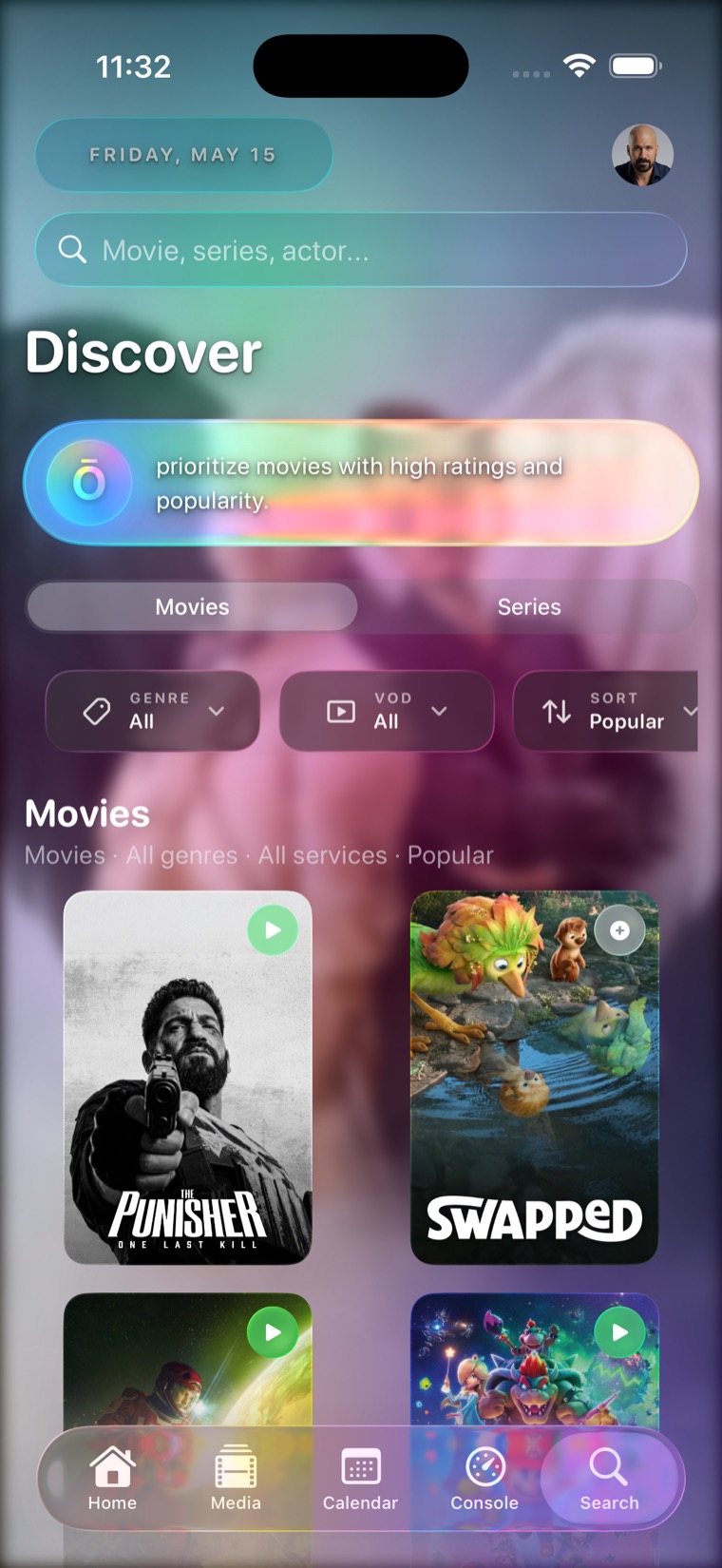
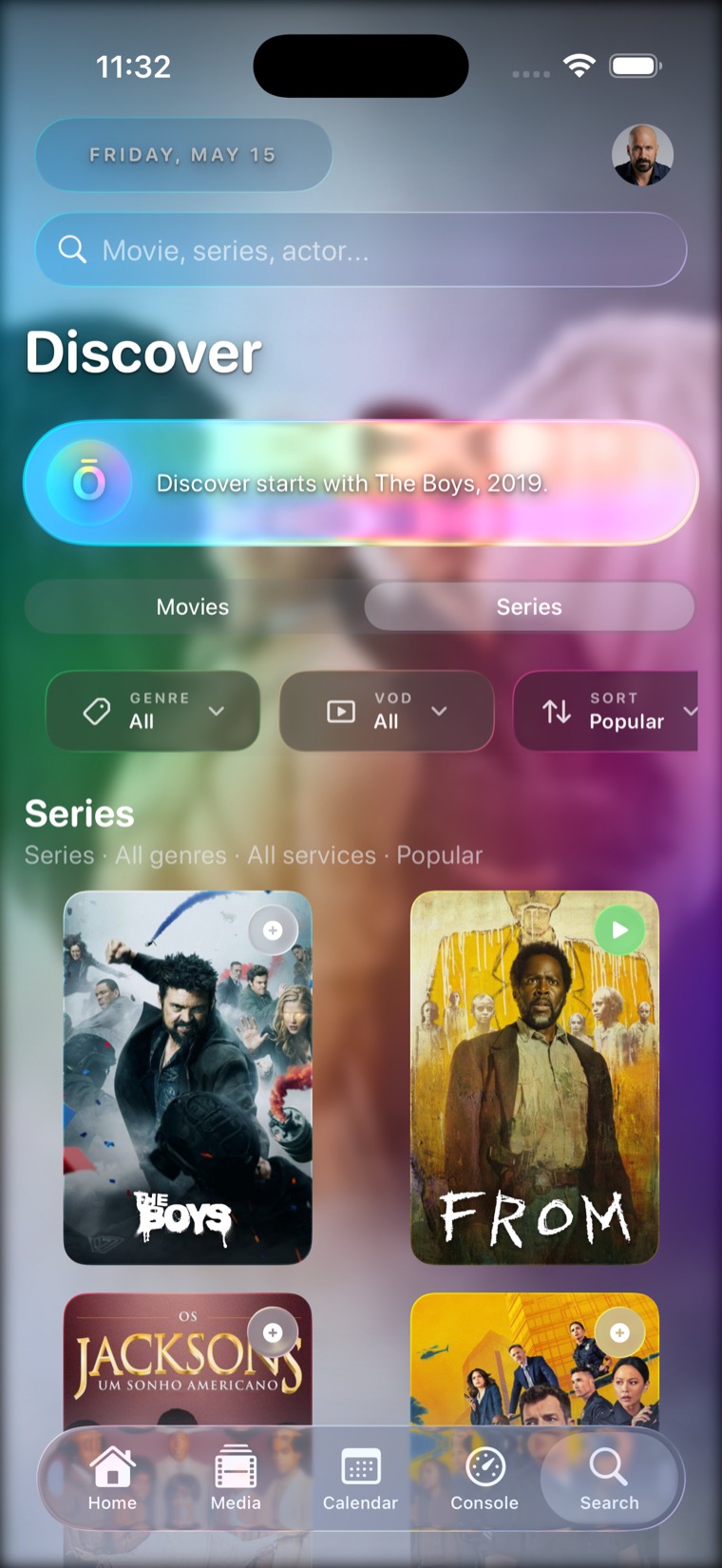
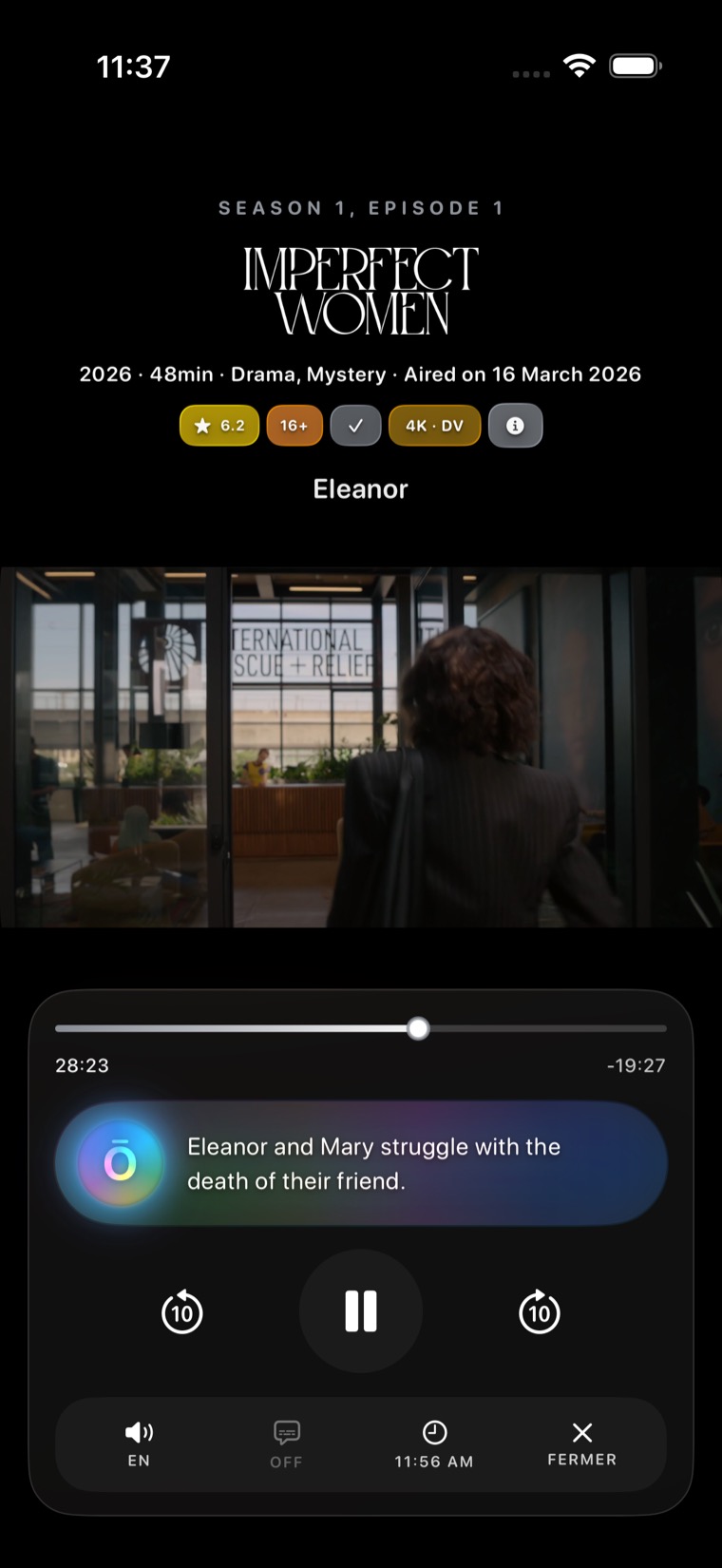
Playback
Resume time, episode summary, language, subtitles, and quick transport controls sit together so playback feels calm instead of technical.
Calendar
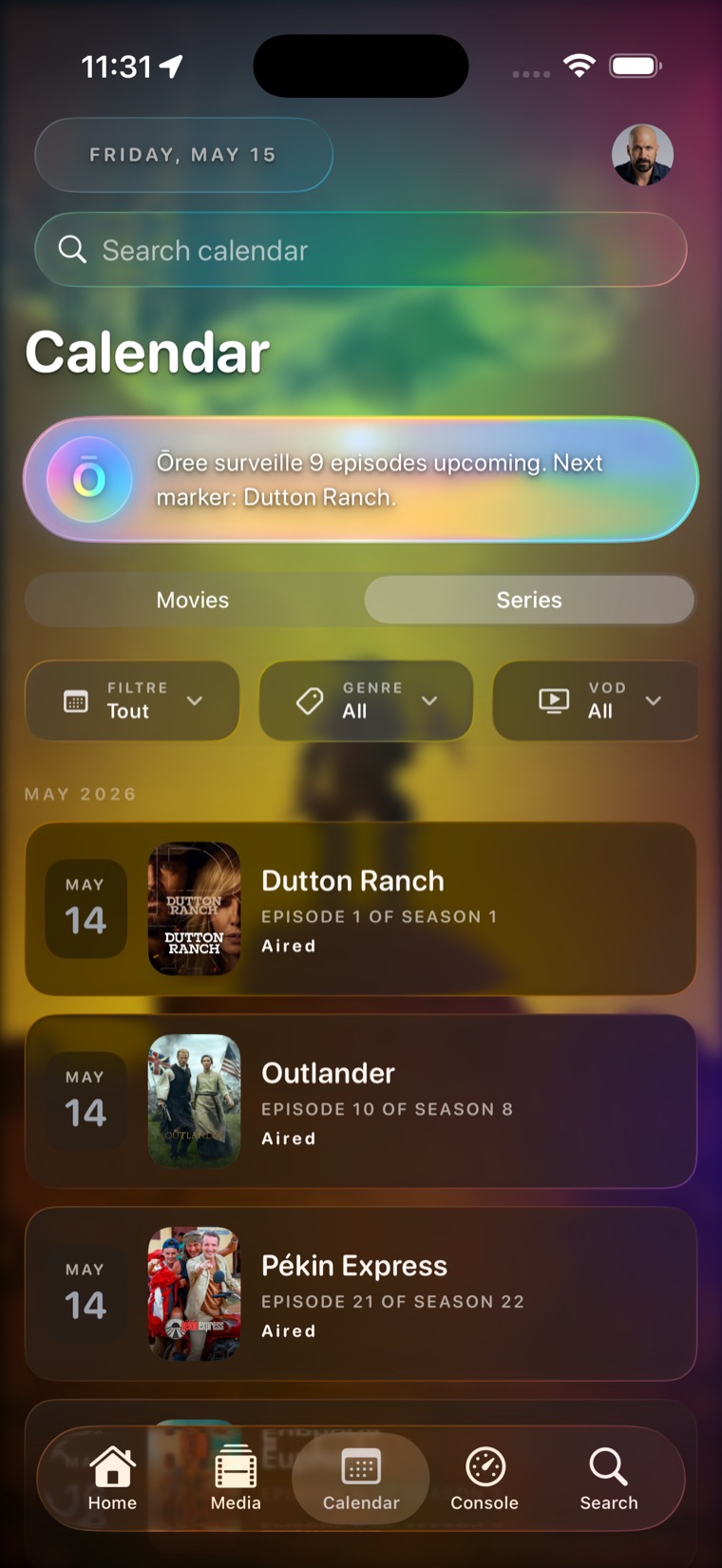
Upcoming episodes and releases are arranged by date and filtered by media type, genre, and source so the next marker is obvious.
Requests and services
For advanced setups
Follow request status, see who asked, cancel your own pending request, surface newly available items, and keep admin approvals close to the media page.
Show monitored titles, seasons, episodes, quality profiles, root folders, service health, queue state, and import history when your server exposes them.
Bring watched state, progress, active sessions, server reachability, stream details, and household activity into a native iPhone surface.
Keep folder choice, compatible file browsing, resume points, and offline context available for users who manage their own server directly.
App Store friendly by design: Ōree does not host, sell, index, or distribute media. Advanced management only reflects services and sources you configure yourself.
Clear boundaries
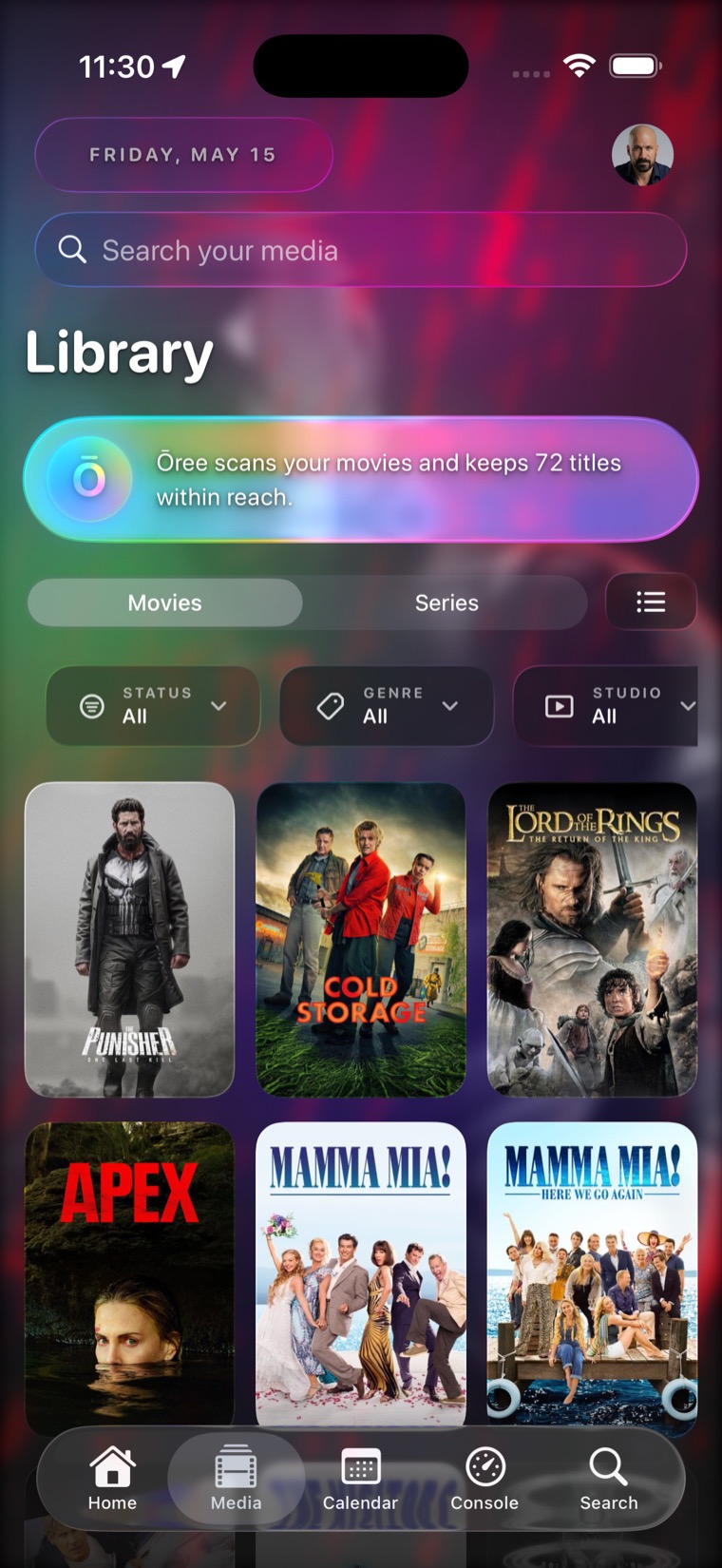
Movies, shows, posters, trailers, cast, calendars, and recommendations start from public metadata.
Plex and WebDAV add access to your own compatible libraries, files, progress, and playback context.
Seerr-compatible services can add request status, approvals, and availability without defining the whole app.
Ōree does not host, sell, or distribute movies or shows. It presents the sources you configure.